Python developers increasingly rely on syntax‑highlighting and color‑rich output to cut through dense codebases and accelerate debugging. When paired with well‑crafted tutorials, modern coloring libraries—such as Rich, Pygments, and Colorama—turn plain scripts into readable, interactive documents that reduce cognitive load and speed up iteration cycles.
Why Color Matters in Everyday Python Workflows
Colour cues act as visual shorthand: keywords pop in bold blue, strings soften in green, and errors blaze red. This immediate differentiation shortens the time needed to locate bugs, especially in large modules or Jupyter notebooks where scrolling is frequent. Studies of developer ergonomics suggest that visual separation can improve error‑detection rates by up to 15 % compared with monochrome output, making coloring a low‑cost productivity lever.
Top Libraries and How They Fit Different Scenarios
Choosing the right tool hinges on the environment and the desired output format.
- Rich – Ideal for terminal‑based reports, live progress bars, and pretty‑printed data structures. Its markup language supports tables, markdown, and even SVG graphics, turning logs into self‑documenting artefacts.
- Pygments – The go‑to for generating static HTML or PDF documentation. Its extensive lexer collection handles every Python version, and its style system can be customized to match corporate branding.
- Colorama – A lightweight wrapper that injects ANSI codes on Windows platforms, making it perfect for scripts that need cross‑OS consistency without the overhead of Rich’s full‑featured rendering.
Integrating Tutorials with Coloring Frameworks
Effective learning resources now embed live examples that automatically render with the chosen library. For instance, a tutorial on data‑science pipelines might include Rich‑styled console output that highlights data‑frame shapes in real time, reinforcing concepts as the learner runs the code. When the tutorial repository offers a requirements.txt that pins the exact library version, reproducibility is ensured, preventing “works on my machine” surprises.
AI‑Assisted Coding as a Complementary Boost
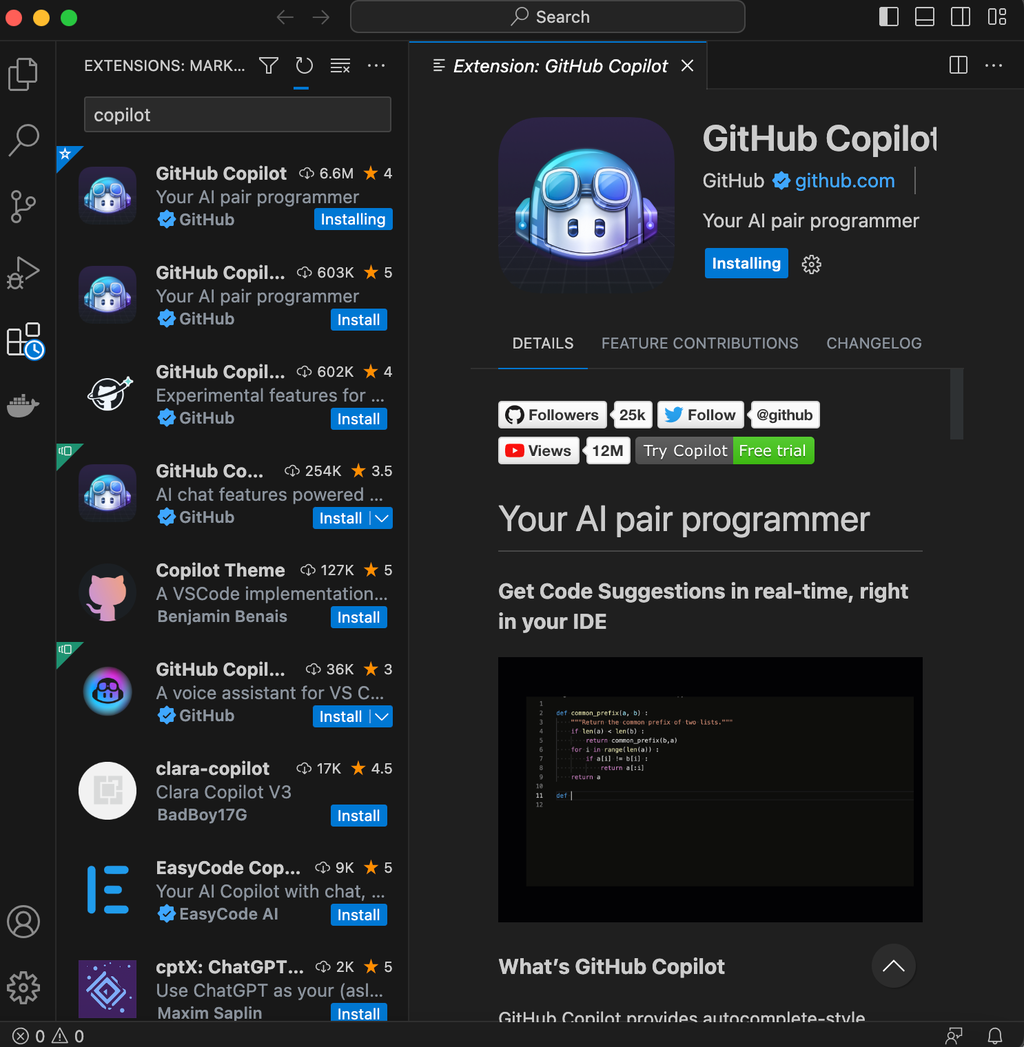
Beyond static coloring, AI pair programmers can suggest context‑aware color schemes while you type. The screenshot below illustrates GitHub Copilot’s suggestion pane, which can auto‑apply Rich markup to a function’s docstring, turning a bland example into a vivid, ready‑to‑run snippet.
Cautionary Notes: Over‑Coloring and Performance
While colour enhances readability, excessive use can backfire. A terminal flooded with nested Rich panels may suffer from reduced frame rates on lower‑end hardware. Similarly, Pygments’ full‑HTML generation can inflate documentation size, slowing page loads when deployed to the web. Developers should adopt a “minimum‑effective‑palette” approach: reserve bright hues for warnings and errors, and reserve muted tones for routine output.
Selection Criteria for Teams and Solo Developers
When evaluating tools, consider the following matrix:
- Environment compatibility – Does the library support the target OS and shell?
- Output destination – Terminal, HTML report, or Jupyter cell?
- Learning curve – Is documentation clear enough for quick onboarding?
- Community support – Are there active maintainer forums or recent releases?
Teams that prioritize collaborative dashboards often gravitate toward Rich, while publishing houses may prefer Pygments for its fine‑grained styling control.
Future Directions: Dynamic Themes and Real‑Time Collaboration
Upcoming releases of Rich and similar libraries hint at user‑defined theme files that can be switched on the fly, allowing developers to match their IDE’s dark mode or a client‑specific brand palette without restarting the script. In parallel, cloud‑based notebook platforms are experimenting with shared color‑state, enabling multiple researchers to view the same colored output synchronously—a step toward visual consistency in pair programming.
Putting It All Together
Productivity gains materialize when developers adopt a disciplined coloring strategy, leverage tutorials that embed those visual cues, and remain vigilant about performance trade‑offs. By aligning library choice with workflow requirements and integrating AI assistants for seamless markup, Python practitioners can transform routine scripts into engaging, error‑resilient tools that keep projects moving forward.